01
Bookings
A booking page for your place where clients choose the service, specialist, date, and time.
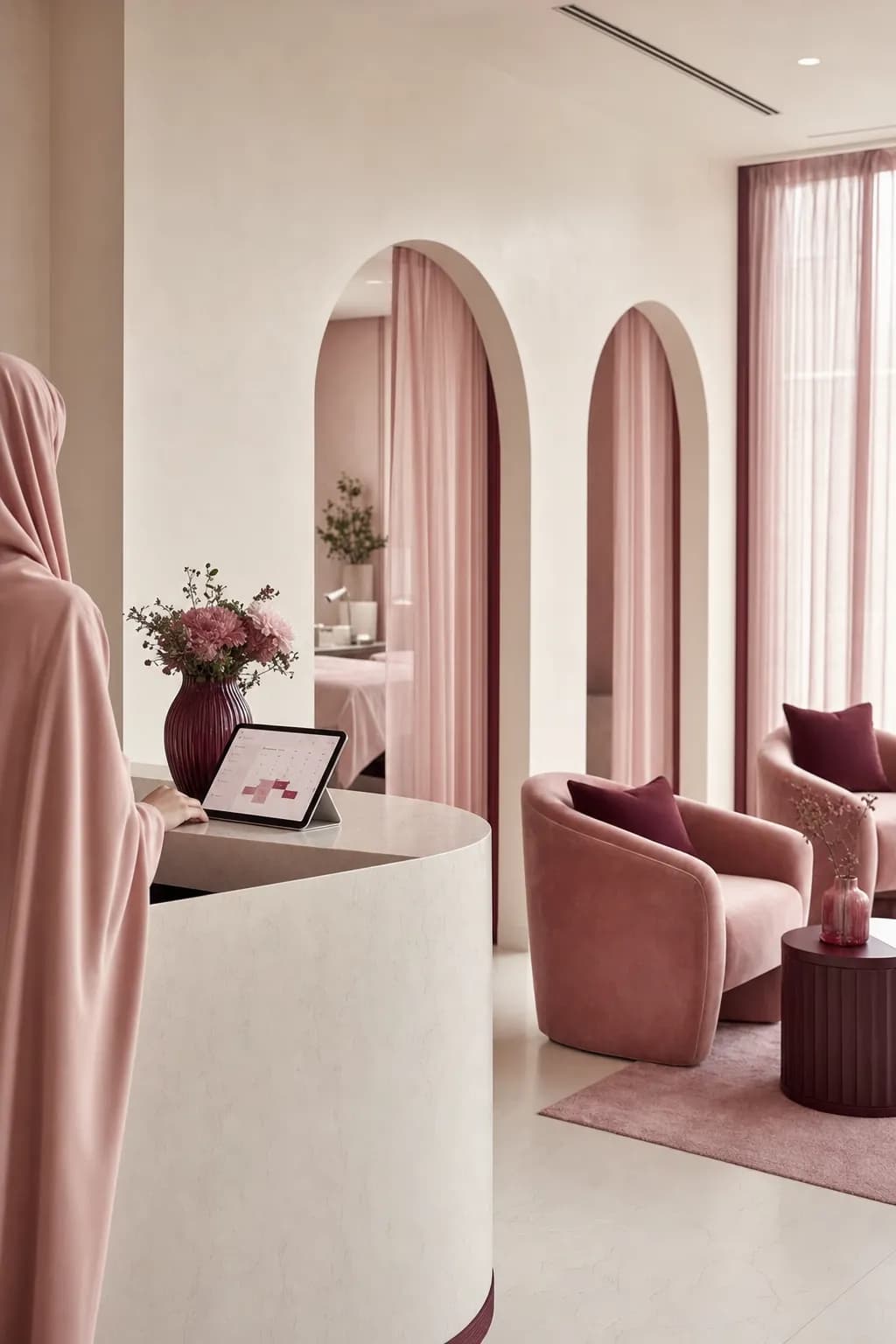
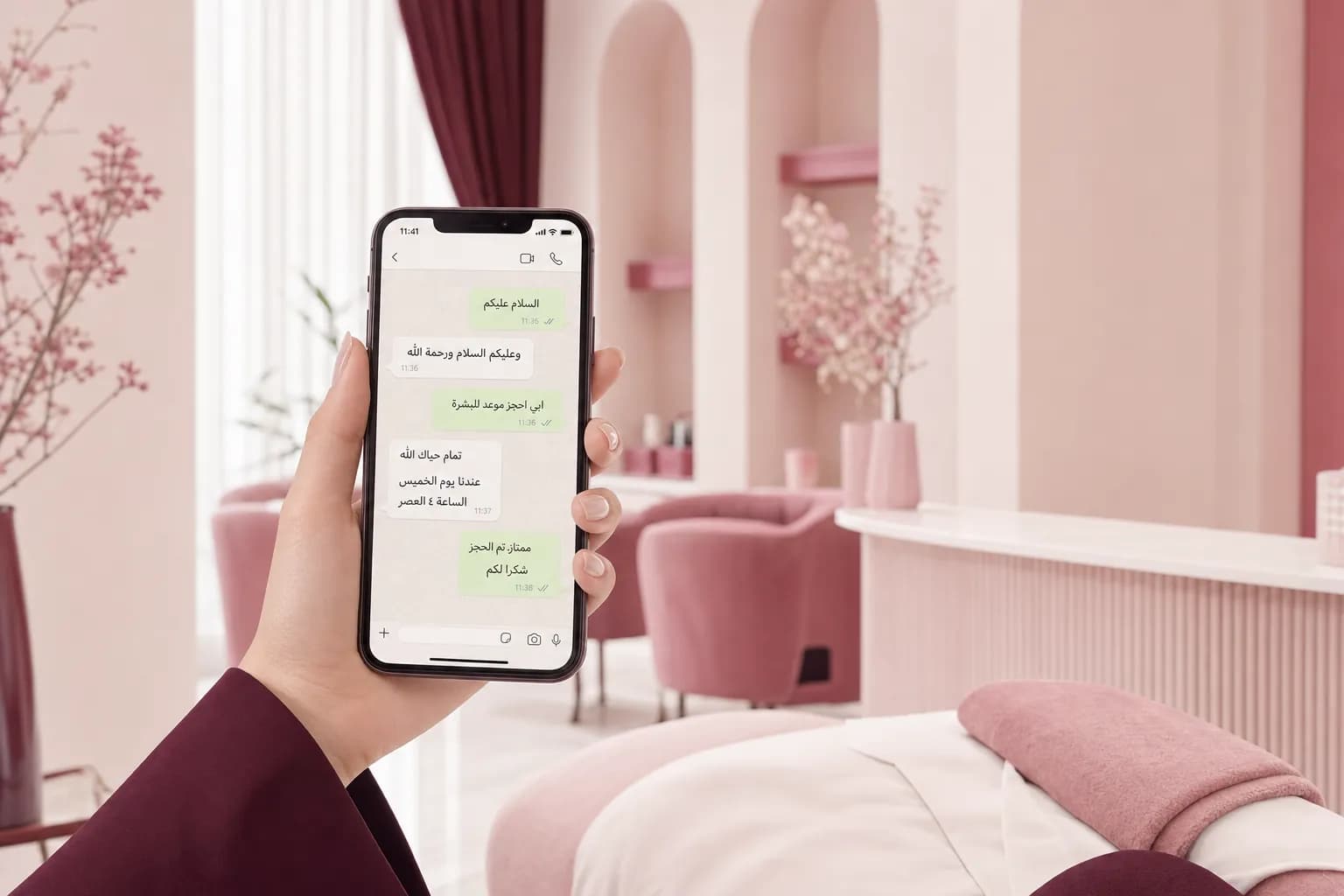
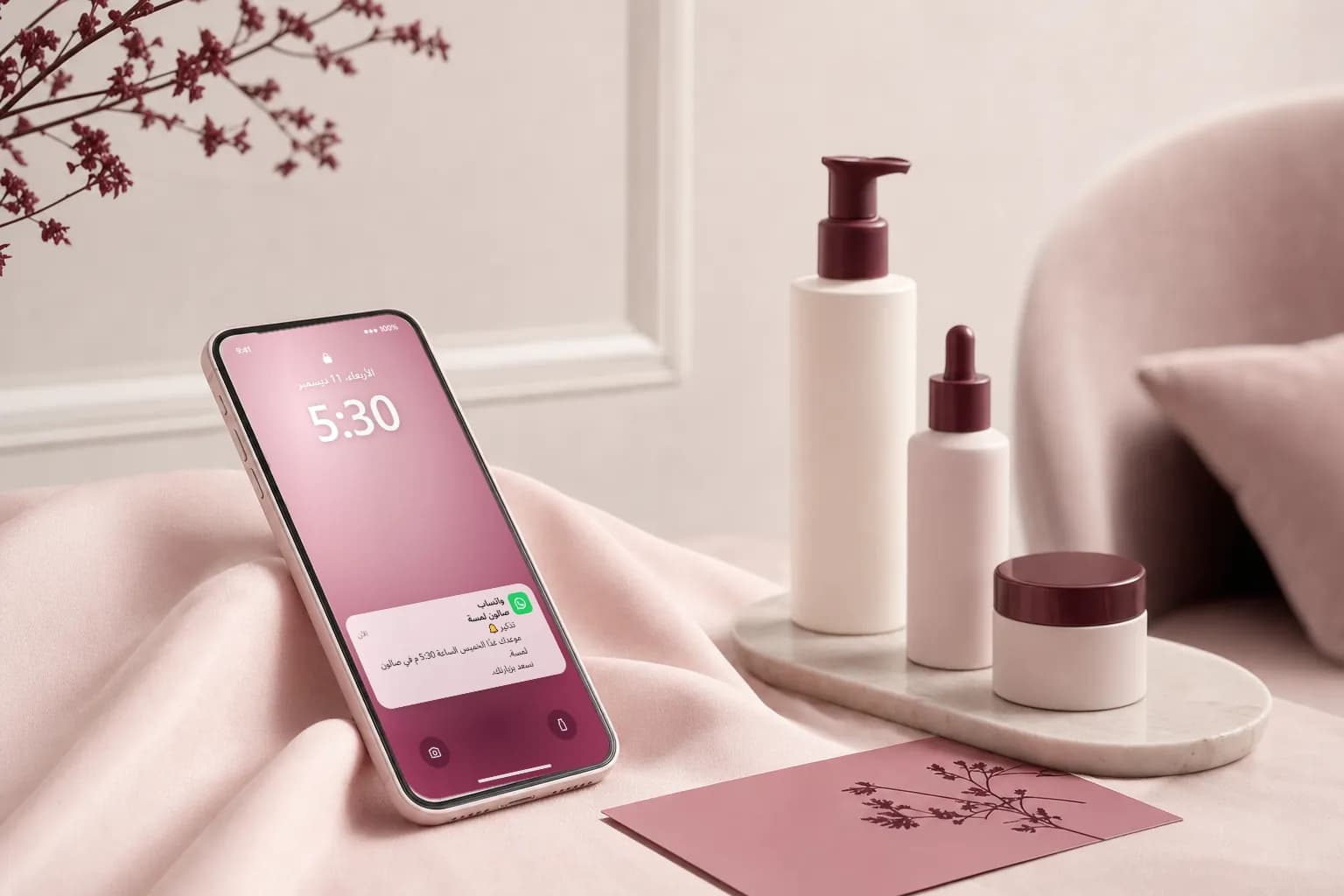
Your visit is confirmed, we are expecting you Thursday at 5:30 PM.
You share the booking link on your center's WhatsApp and Instagram, so clients pick the service, specialist, and time from their phones, while your staff focus on their work.
The same question again: "Any slots tomorrow?"
Appointments forgotten when no reminder goes out in time
Hours taken from the service itself to reply by hand
A booking page for your place where clients choose the service, specialist, date, and time.
Ready "tomorrow's messages" and "today's clients" lists: tap, and WhatsApp opens the chat with the message written, then you send it with one tap.
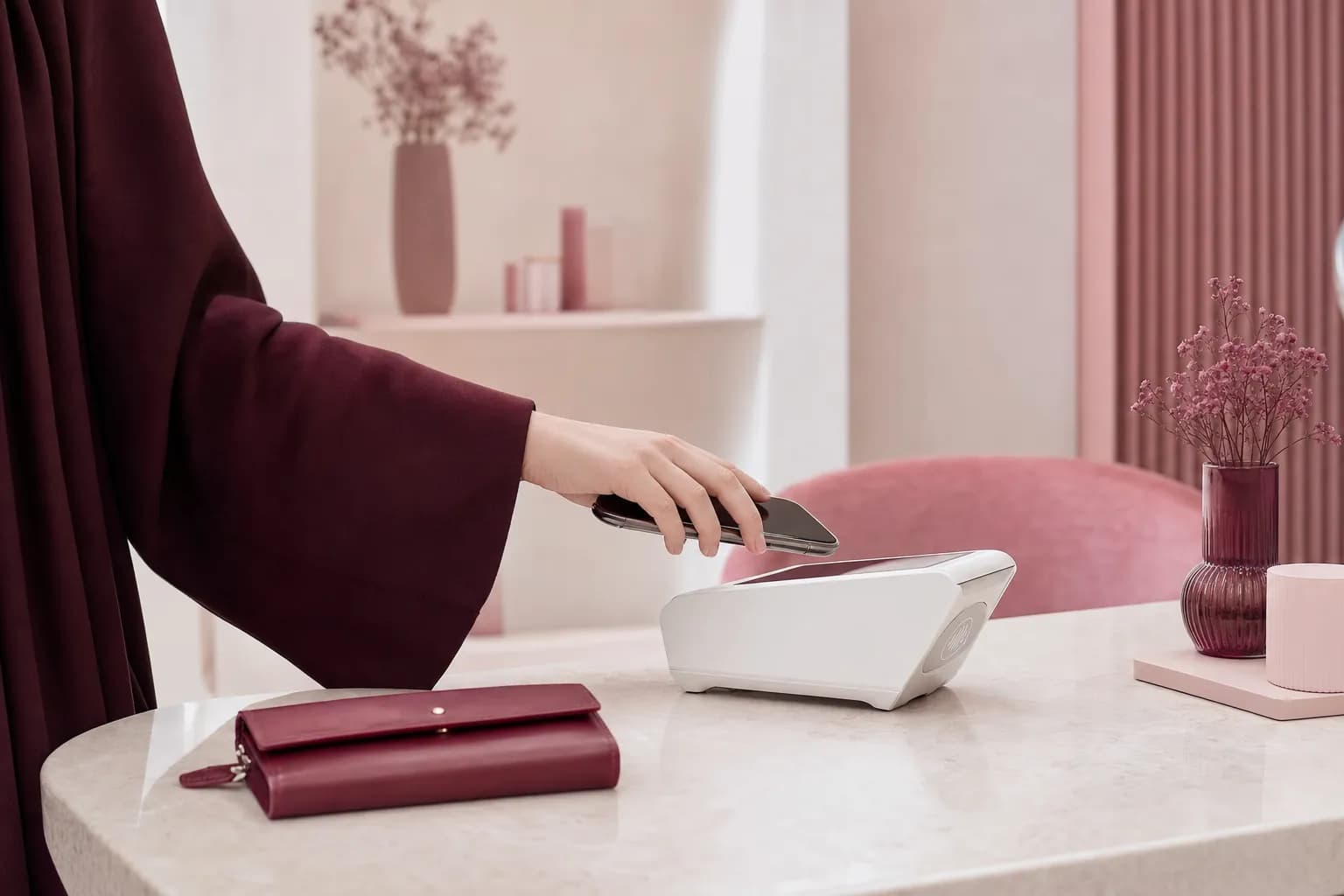
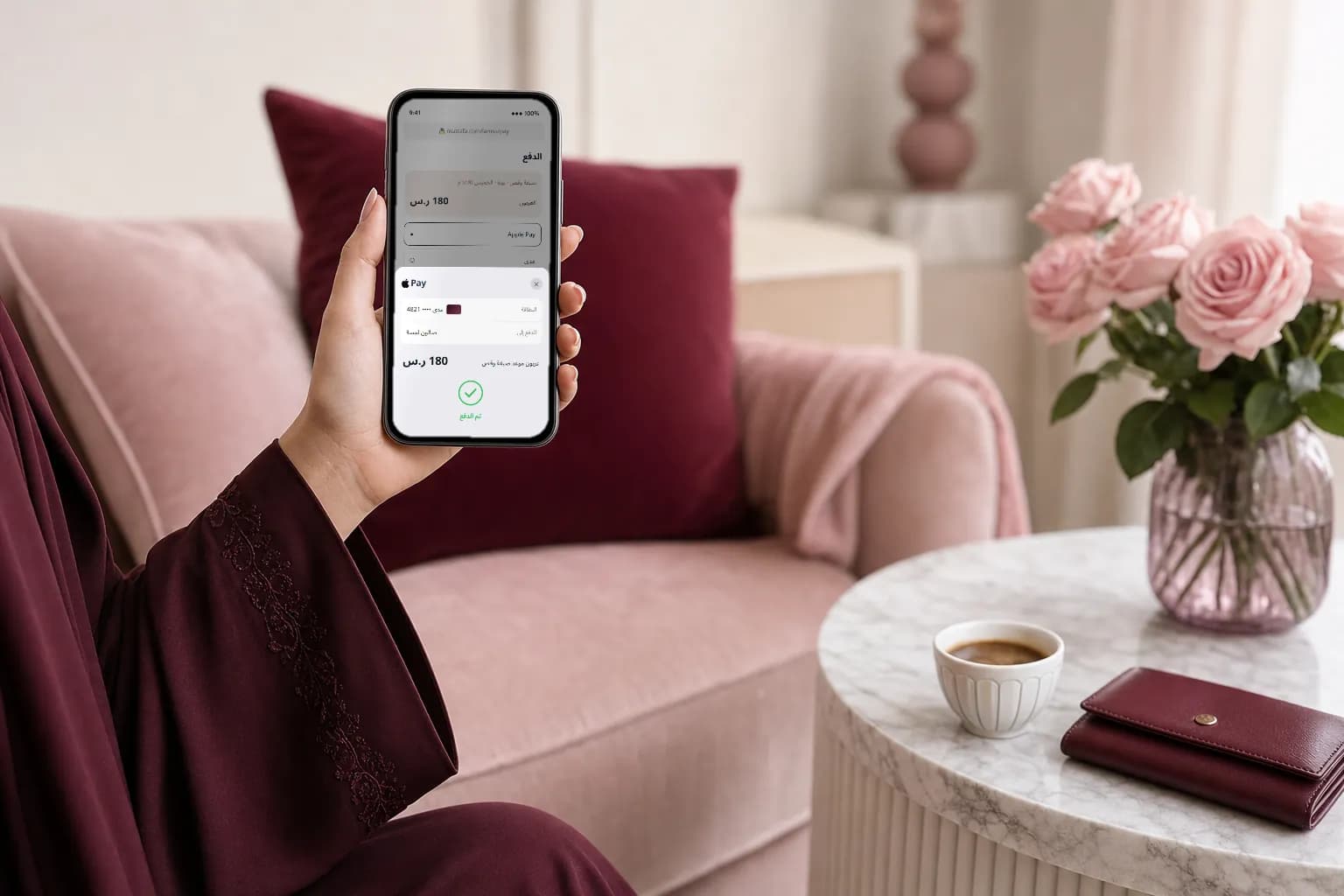
Once the payment gateway is connected (coming soon), the client pays her appointment deposit from her phone, so cancellations drop and bookings are secured. Today bookings are made with no deposit or payment.
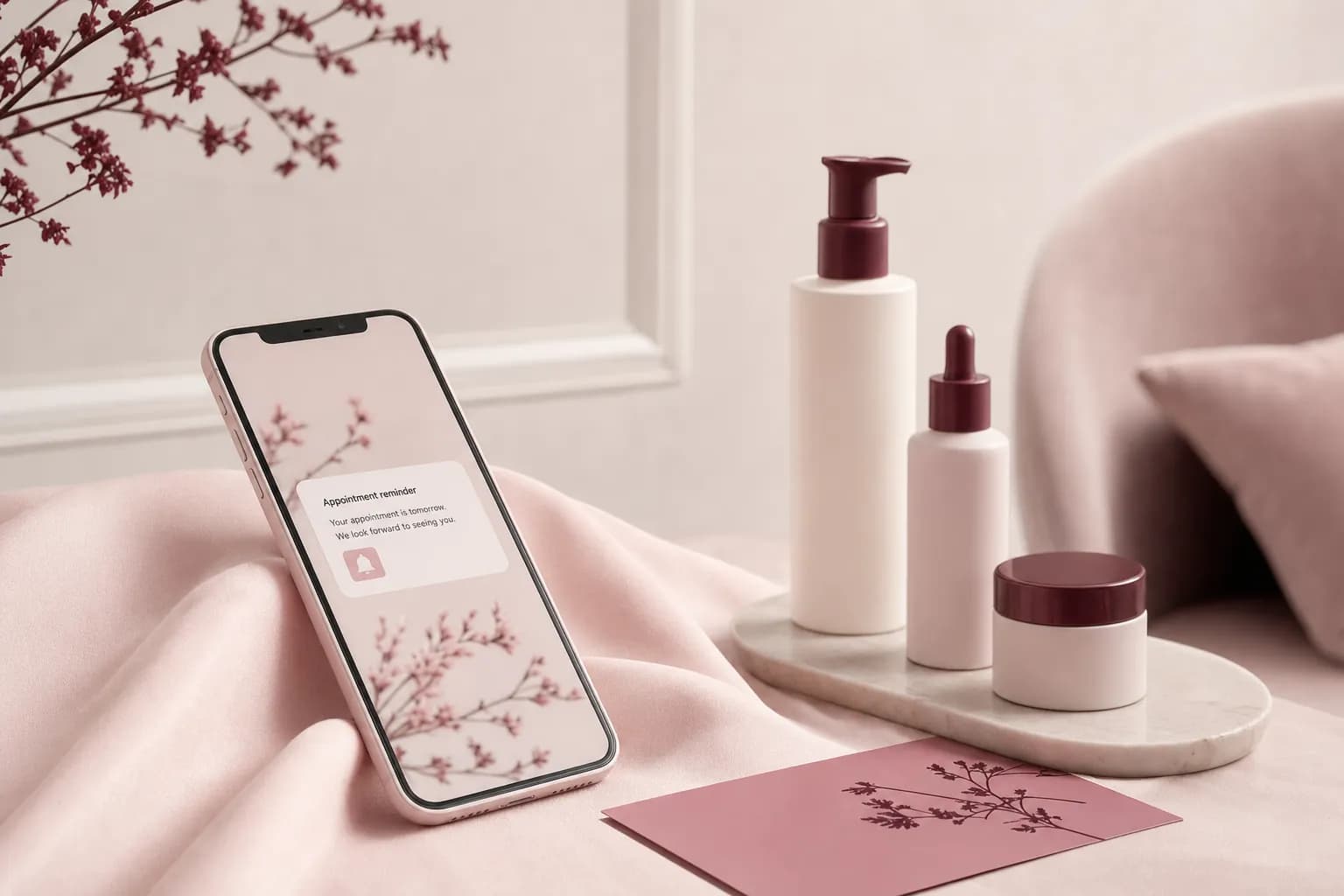
Before the visit, open the "tomorrow's messages" list and send each client her reminder with one tap from your center's WhatsApp.
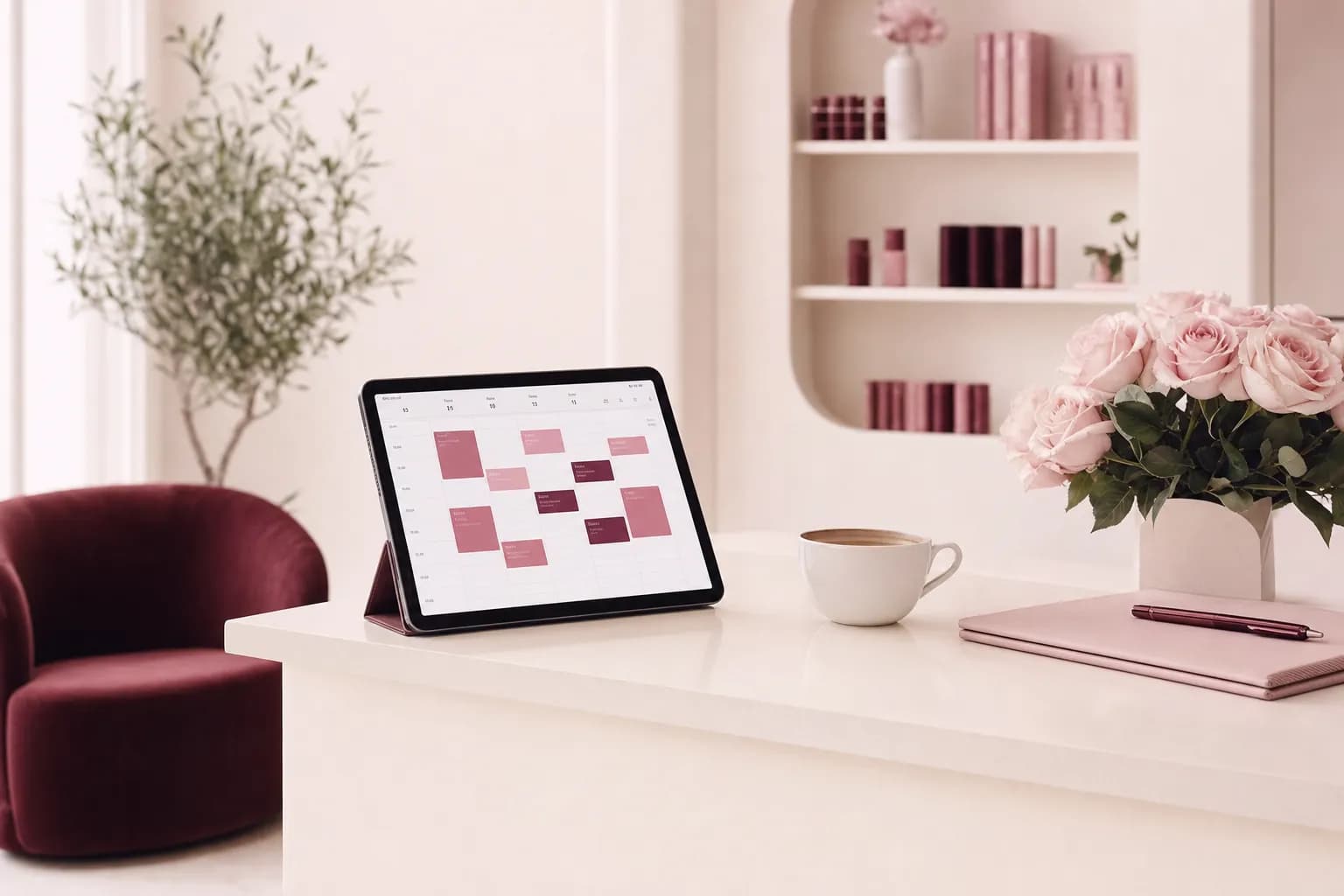
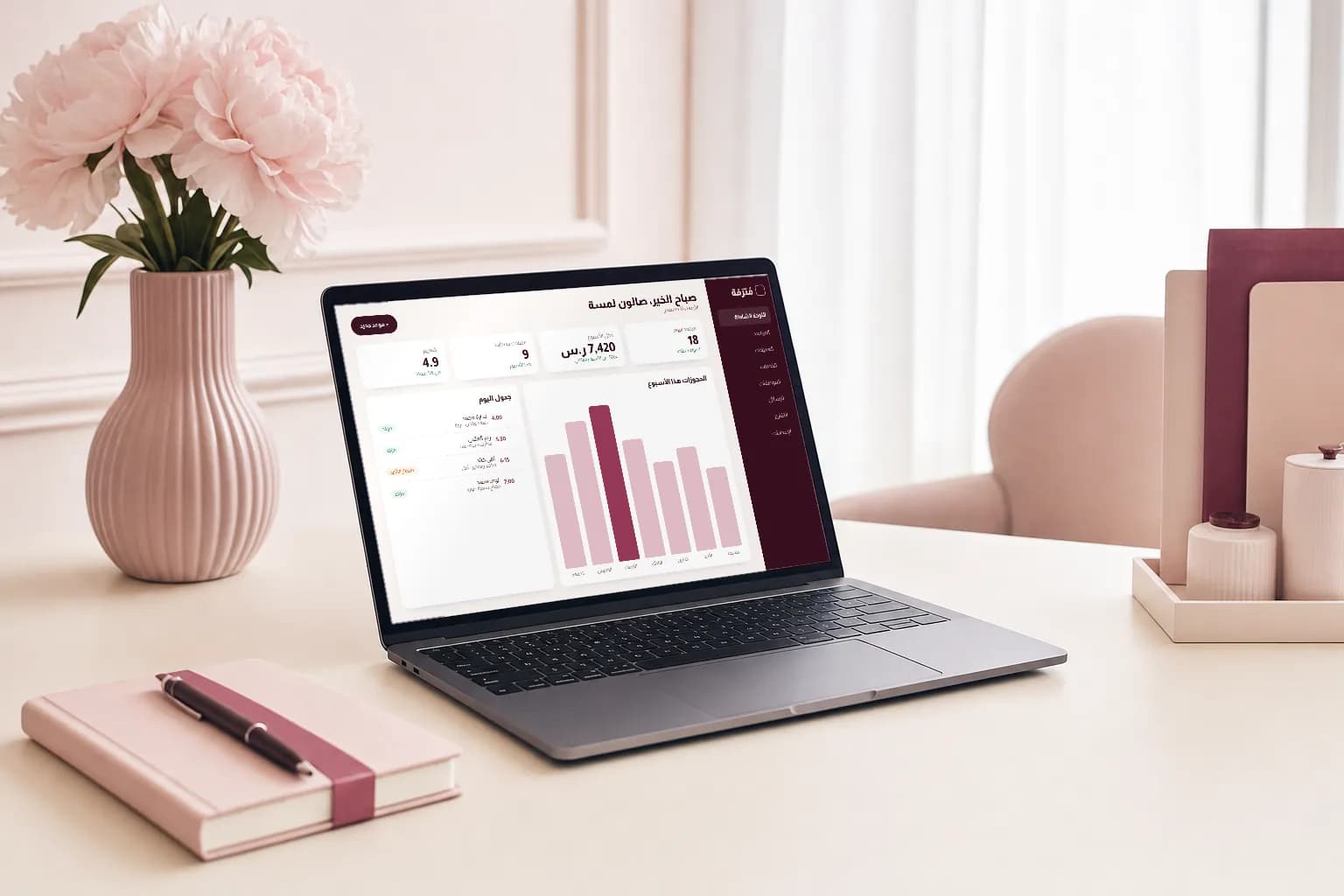
Bookings, available slots, staff schedules, ratings, and weekly and monthly revenue on one screen.
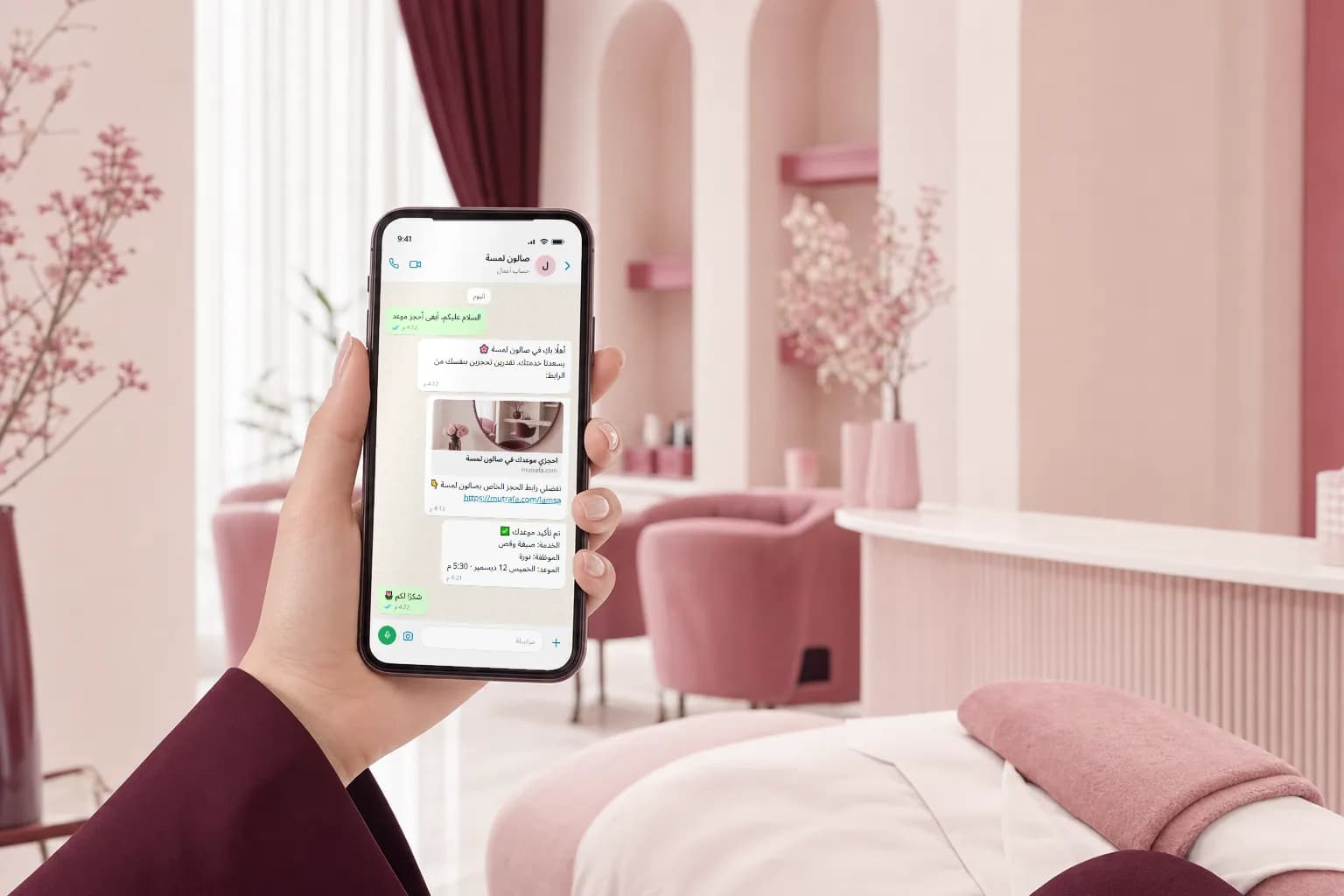
She writes to the salon's WhatsApp number as usual, and you reply with a ready message that includes the booking link.
You send the salon's booking page link with one tap from your ready messages.
She enters her name and mobile number, then picks the service, specialist, date, and time.
Once the payment gateway is connected, she is taken to the payment page and pays the deposit directly from her phone.
She sees a confirmation page with the visit details, and you can send her the confirmation on WhatsApp with one tap.
Before the visit you open the "tomorrow's messages" list and send her the reminder with one tap.
Illustrative simulation. "Lamsa Salon" is an example name only. The payment step switches on once the payment gateway is connected (coming soon); bookings are currently made with no payment.Online payment switches on once the payment gateway is connected (coming soon)
Moroccan bath, sauna, steam, and massage, booked by clients through the center's WhatsApp.
Learn more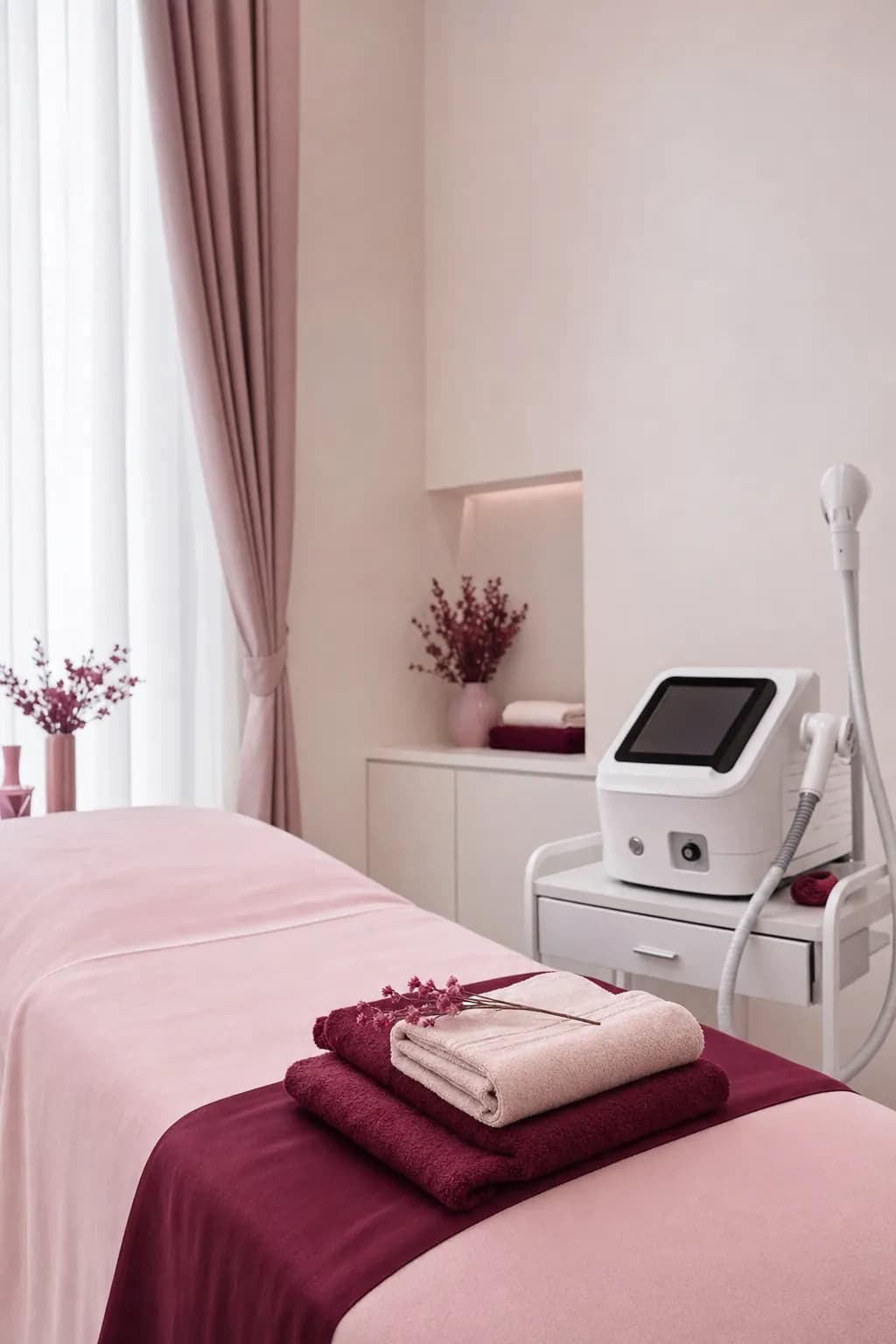
Laser hair removal, facials, and peeling, booked by clients through the center's WhatsApp.
Learn moreHair, coloring, makeup, and nails, booked by clients through the salon's WhatsApp.
Learn more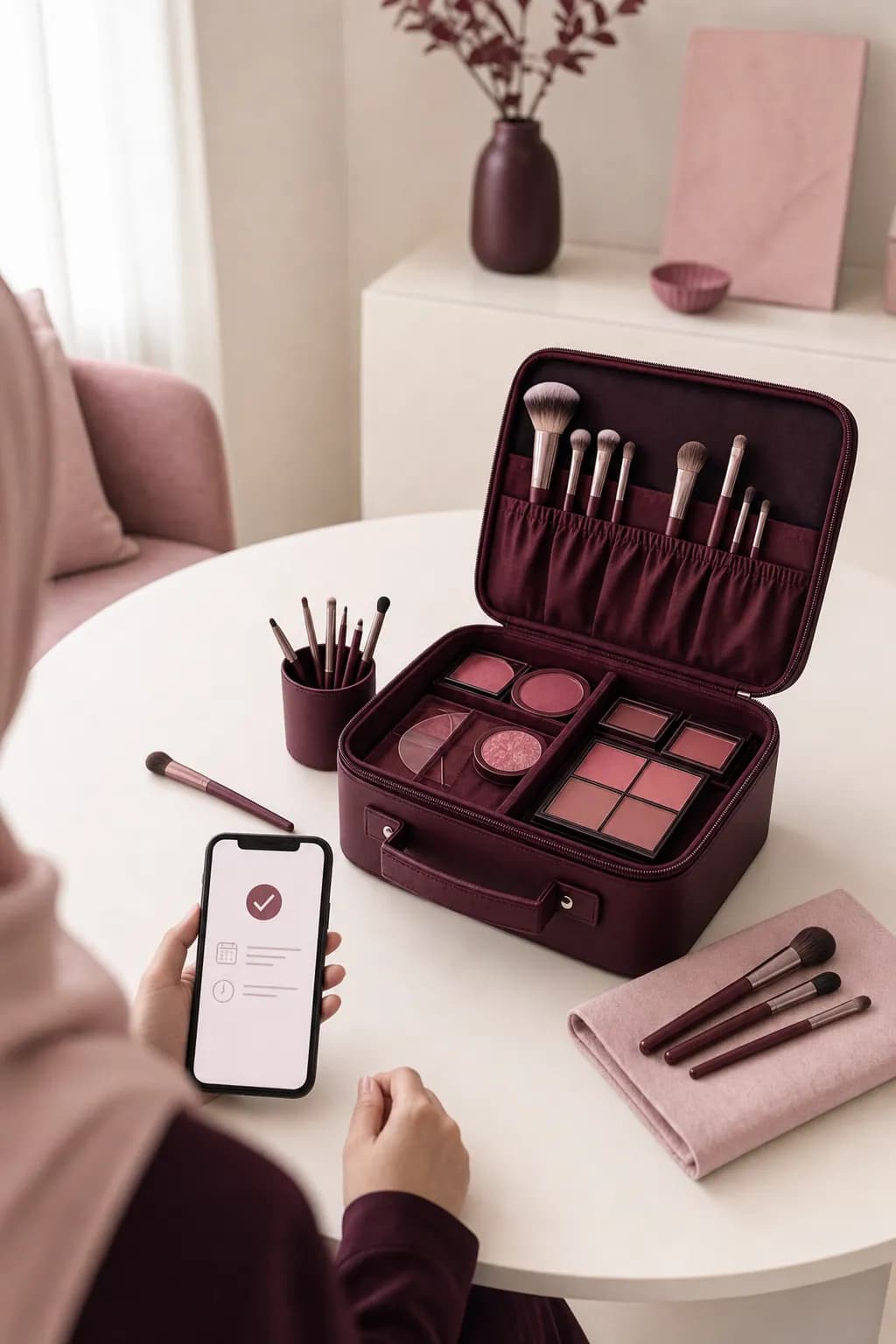
A makeup, henna, or nail artist working on her own, booked by clients through her WhatsApp.
Learn moreMutrafa started from a simple observation: center staff spend hours every day organizing appointments and answering WhatsApp messages by hand. So we brought bookings, appointments, and client files into one link in the center's name, so the center's WhatsApp stays as clients know it and staff are free to serve.
A 14-day free trial with every Diamond plan feature, whichever plan you choose next.
Start your free trial